Wedding QR Code Photo Sharing: Every Guest Photo, in Original Quality
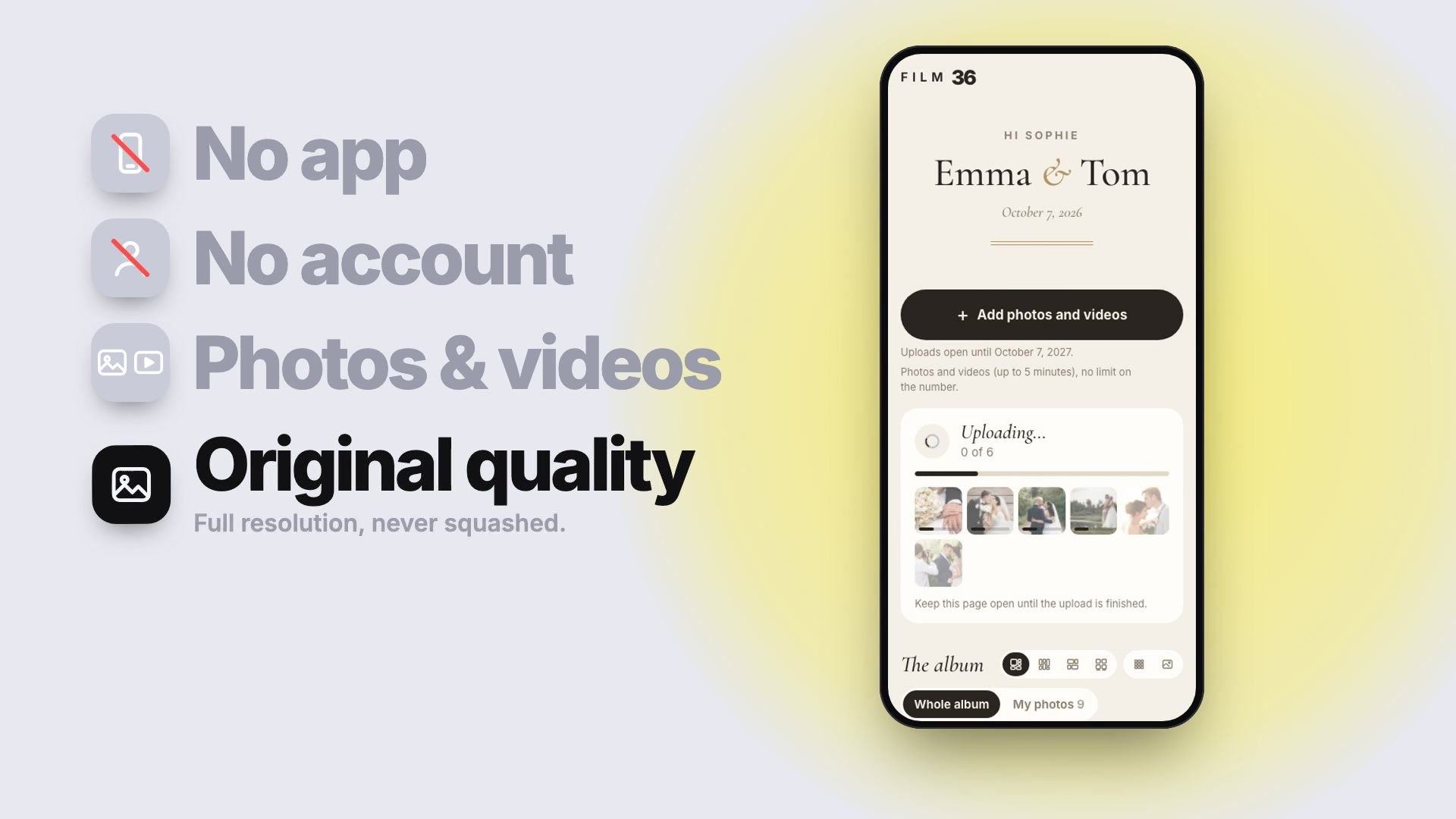
Put a QR code on the tables. Your guests scan it and upload their photos and videos from their own phone: no app, no account. Everything lands in one private gallery, exactly as the phone saved it.
Group chats and text threads shrink your wedding photos
The day after the wedding, photos arrive from everywhere. They don’t all arrive in the same shape, and you only find out when you try to print one.
Group chat or text thread
Smaller, recompressed files
Messaging apps shrink each photo so it sends fast, and videos get squeezed too. Even a “high quality” option usually stops short of the original.
A shared Google Photos album
Often needs a Google account
Adding photos usually means signing in with a Google account, which many guests skip, especially on iPhone. Uploads can also be reduced, depending on each guest’s settings.
AirDrop
Only nearby iPhones
Perfect between two friends on the night. Impossible for a whole guest list, and nothing reaches the people who already went home.
A QR code album
The original file
Each photo arrives exactly as the phone saved it, with the date it was taken. Videos too, up to 5 minutes each.
What “original quality” means when you print
A recent phone photo is around 12 to 24 megapixels: enough for a sharp 12 × 18 inch print. Shrunk for a messaging app, it still looks fine on a screen, but not on a wall. Film 36 stores the file as it is, without shrinking or converting it. Only the gallery thumbnails are smaller, so the page loads fast.
How wedding QR code photo sharing works
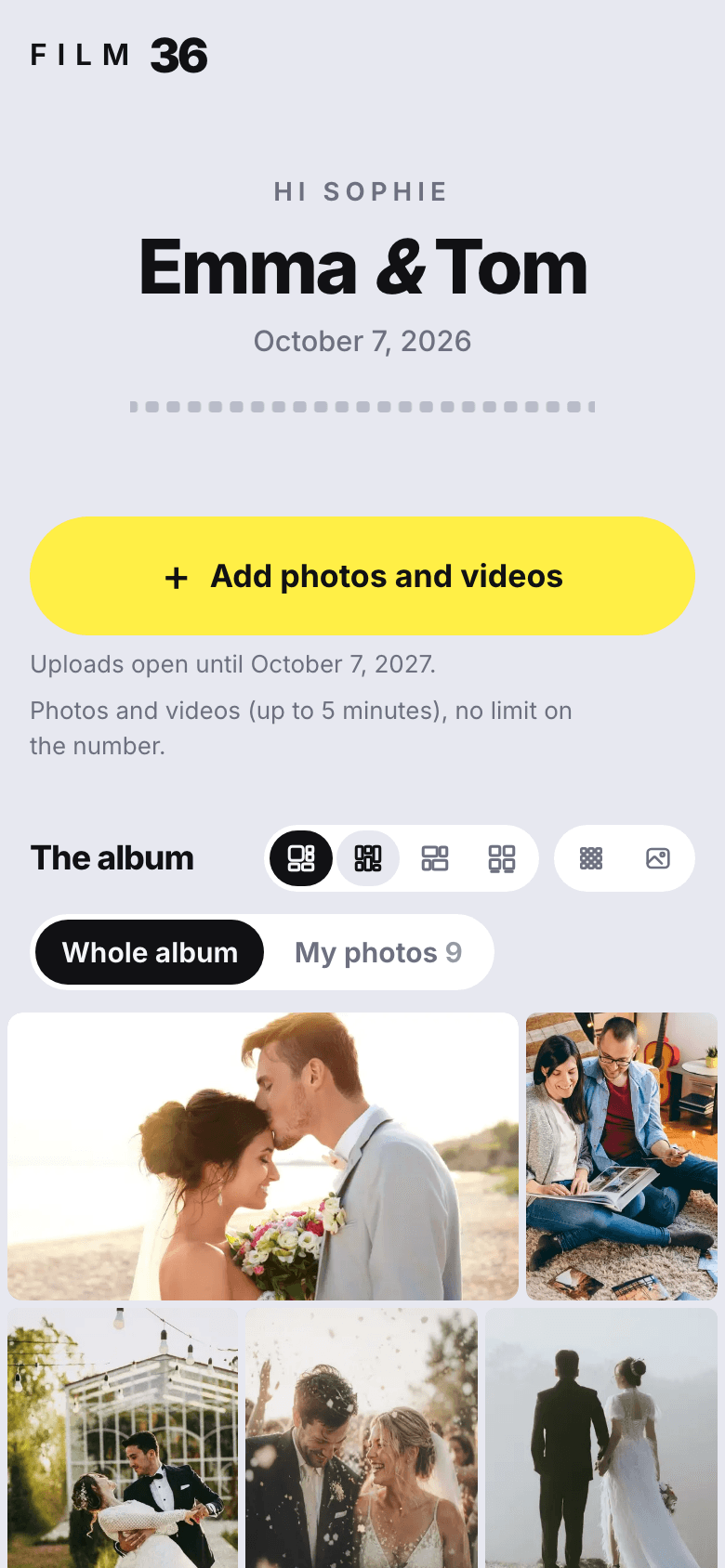
About thirty seconds, nothing to install. This is exactly what your guests see.
1Scan the QR code, or open the link
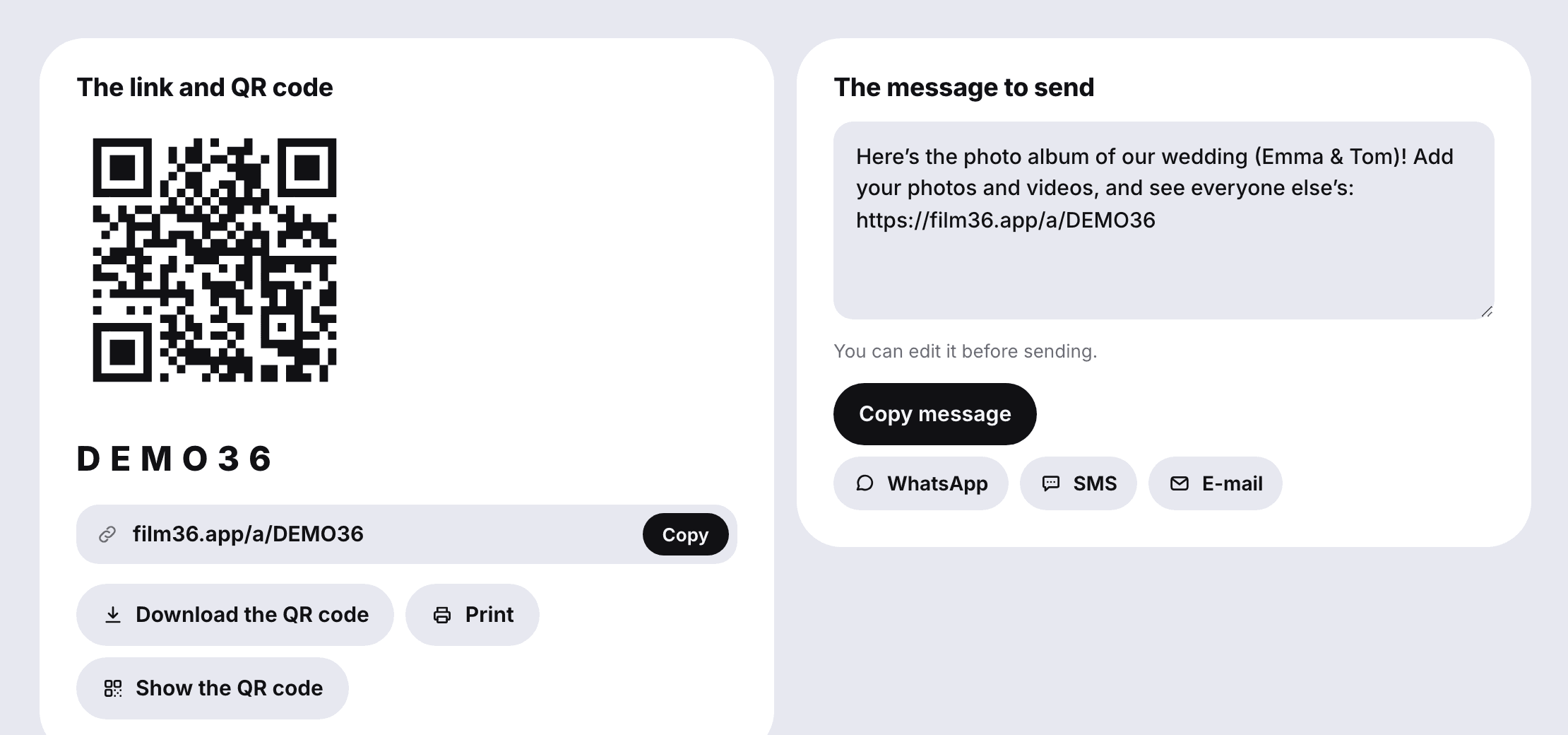
The phone’s regular camera app is enough, on iPhone and Android. Guests who aren’t at a table get the same link by text, WhatsApp or email.
QR code
Text
WhatsApp
Email
Copy link
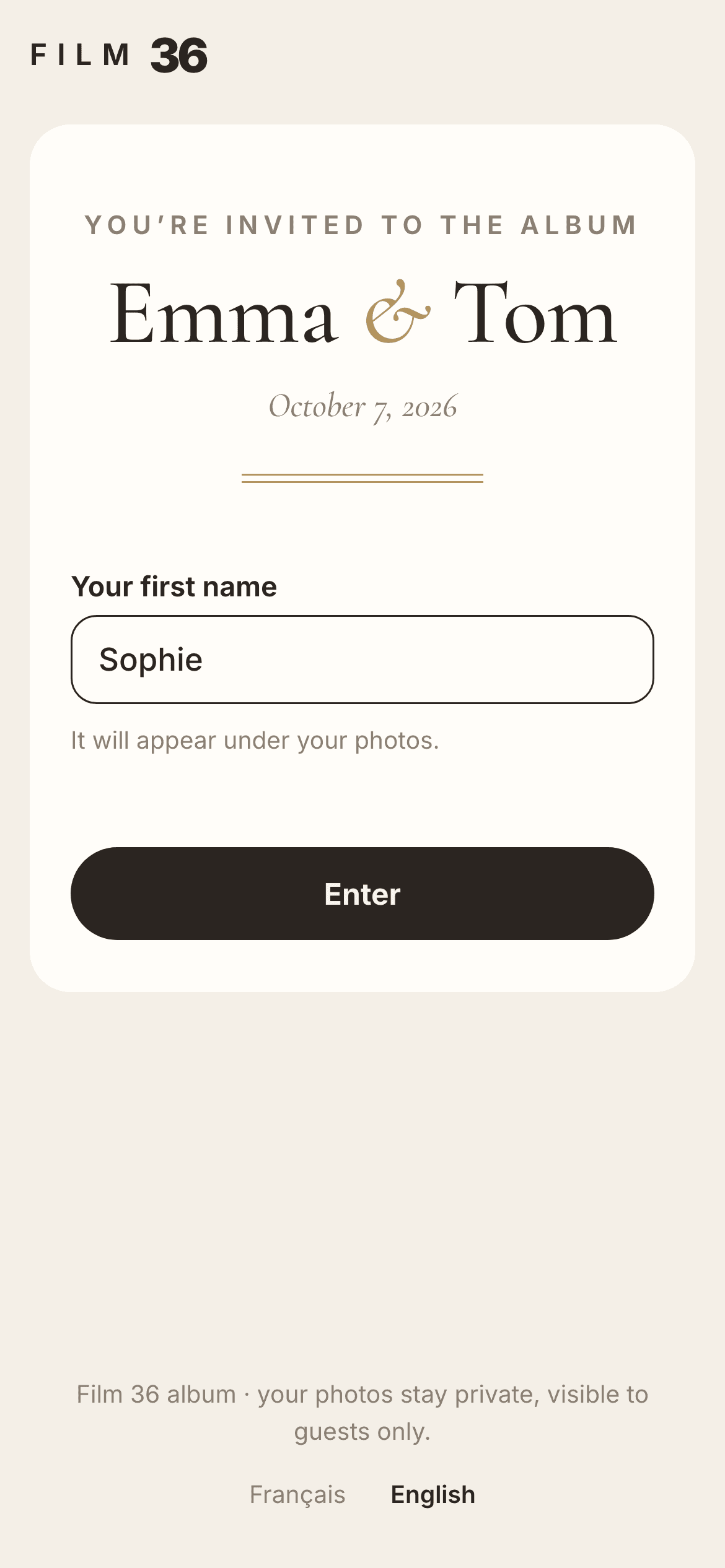
2Type a first name, that’s it
No account, no password, no email address. The first name shows under their photos. You can add a 4-digit access code if you want one.
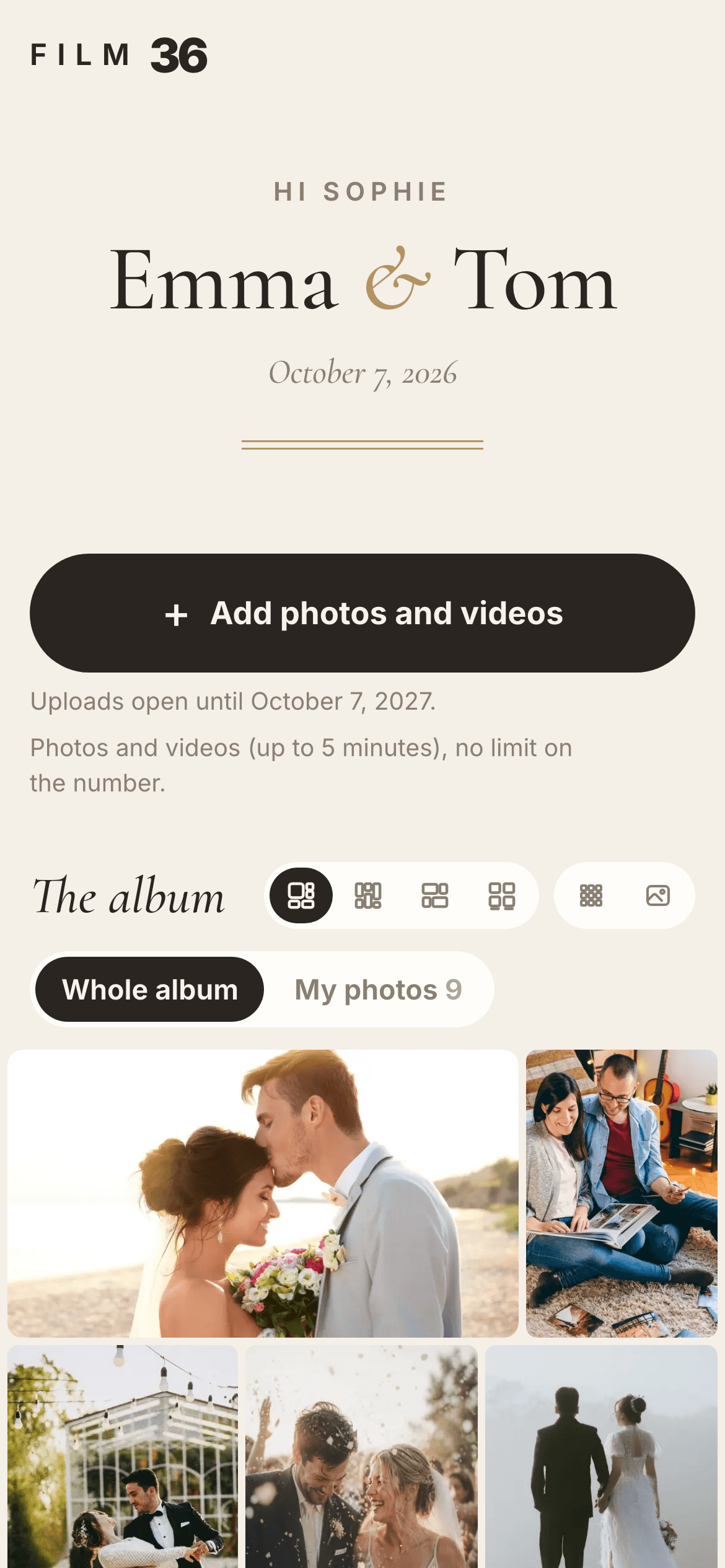
3Pick photos and videos, all at once
The whole camera roll is one tap away: the party, the cocktail hour, even photos from before the wedding. With the complete album there is no limit on how many.
No signal at the venue? Uploads pause and pick up on their own
Barns, vineyards, stone cellars: the signal drops exactly where the best photos get taken. Nothing is lost. The upload pauses, then restarts from the same spot as soon as the connection is back. The guest doesn’t have to do anything.
Every guest finds their own photos under “My photos” and can remove the ones they regret.
Where to put your wedding photo QR code (and how big)
A code only works if people see it when their phones are already out.
1
Table cards, standing up
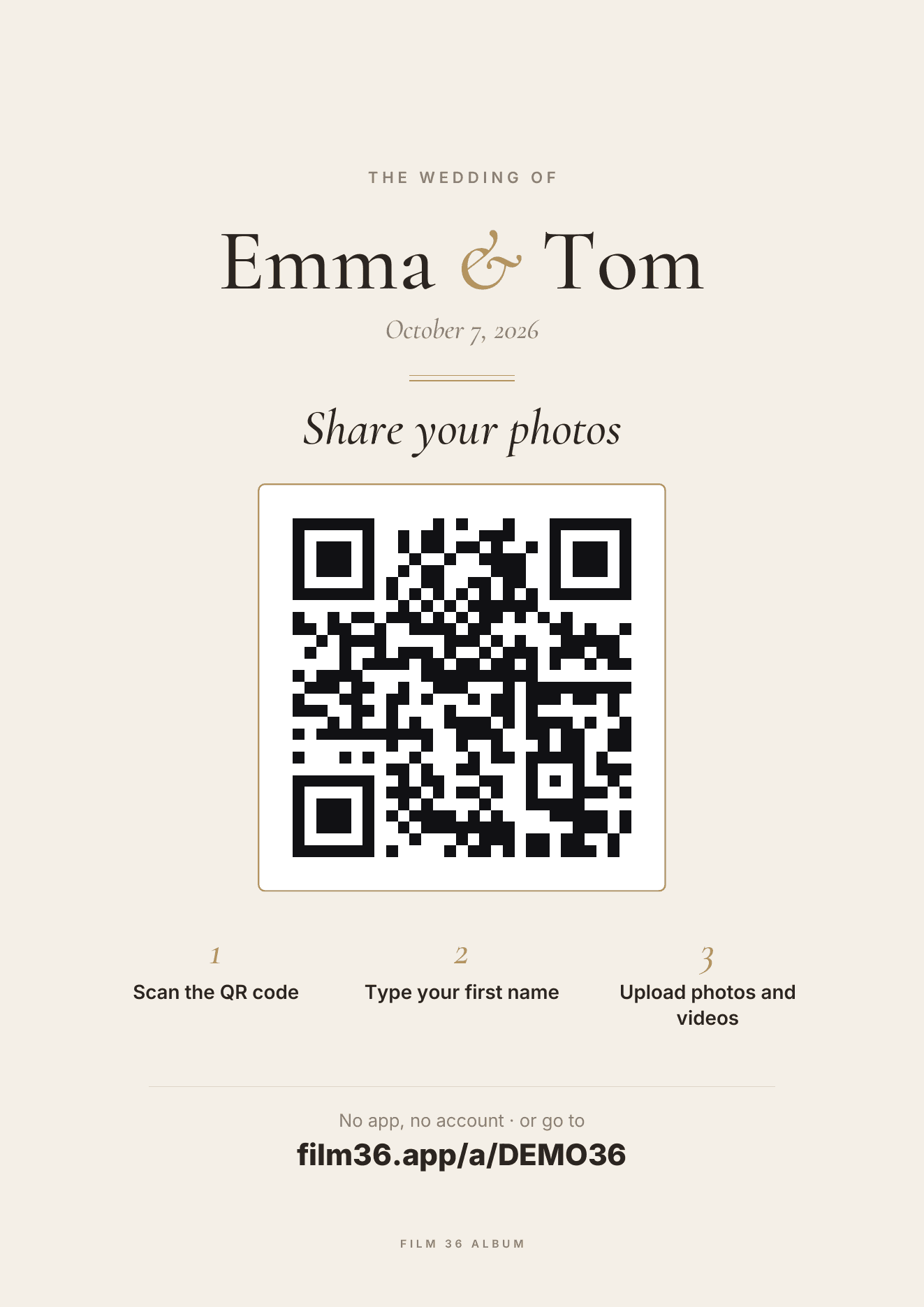
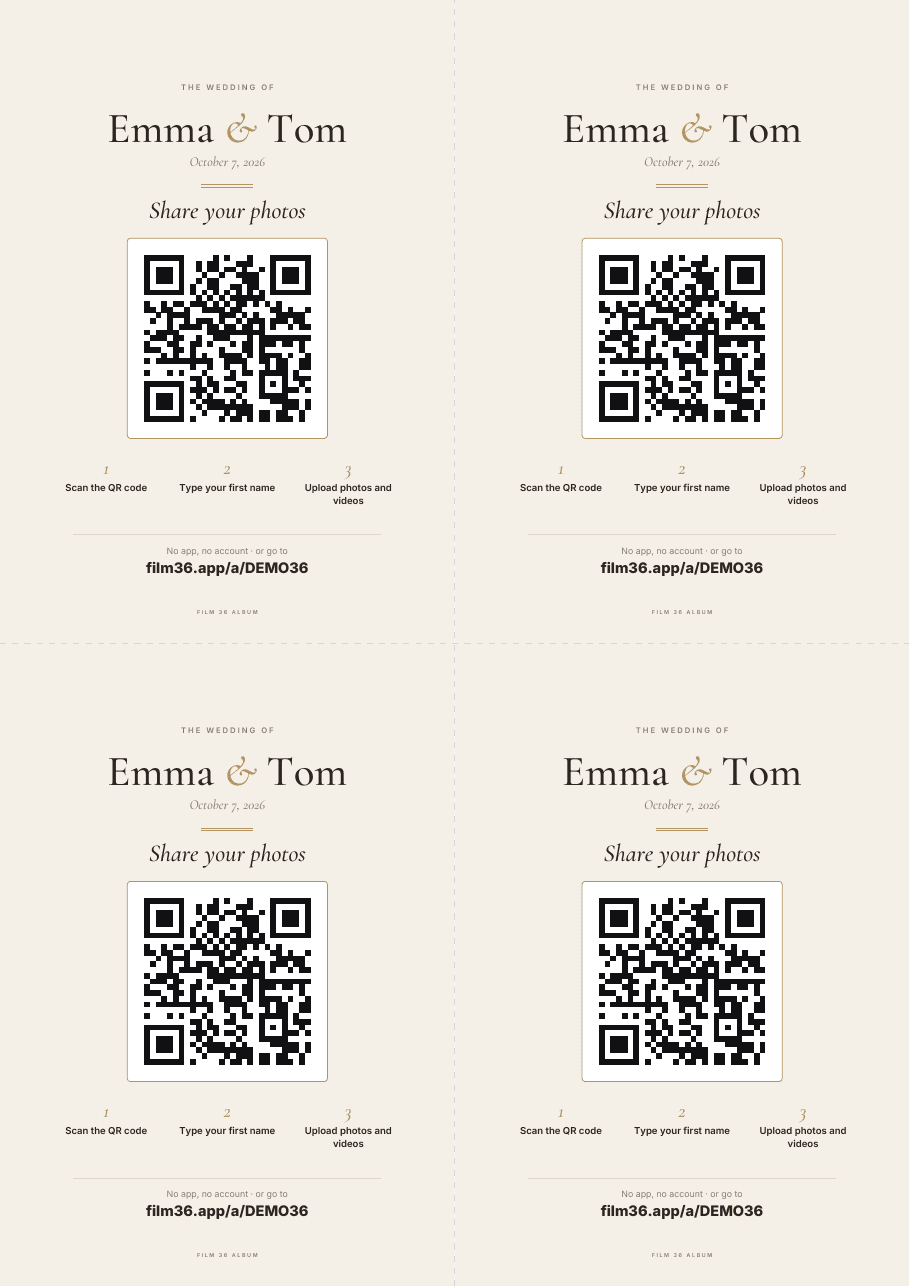
The most scanned spot: guests are seated and relaxed. One small upright card per table, near the centerpiece rather than at the edge. Film 36 makes four A6 cards per page, in your album’s style.
2
The welcome sign and the order of service
A large sign at the entrance sets the expectation early, and the order of service gets read cover to cover while guests wait. Common guidance is at least 4 inches wide on a sign and 1.5 inches on a table card.
3
The link, for everyone who left early
A ready-made message to send by text, WhatsApp or email. The next morning is when the best photos arrive, the ones guests sort through in peace.
4
The live slideshow
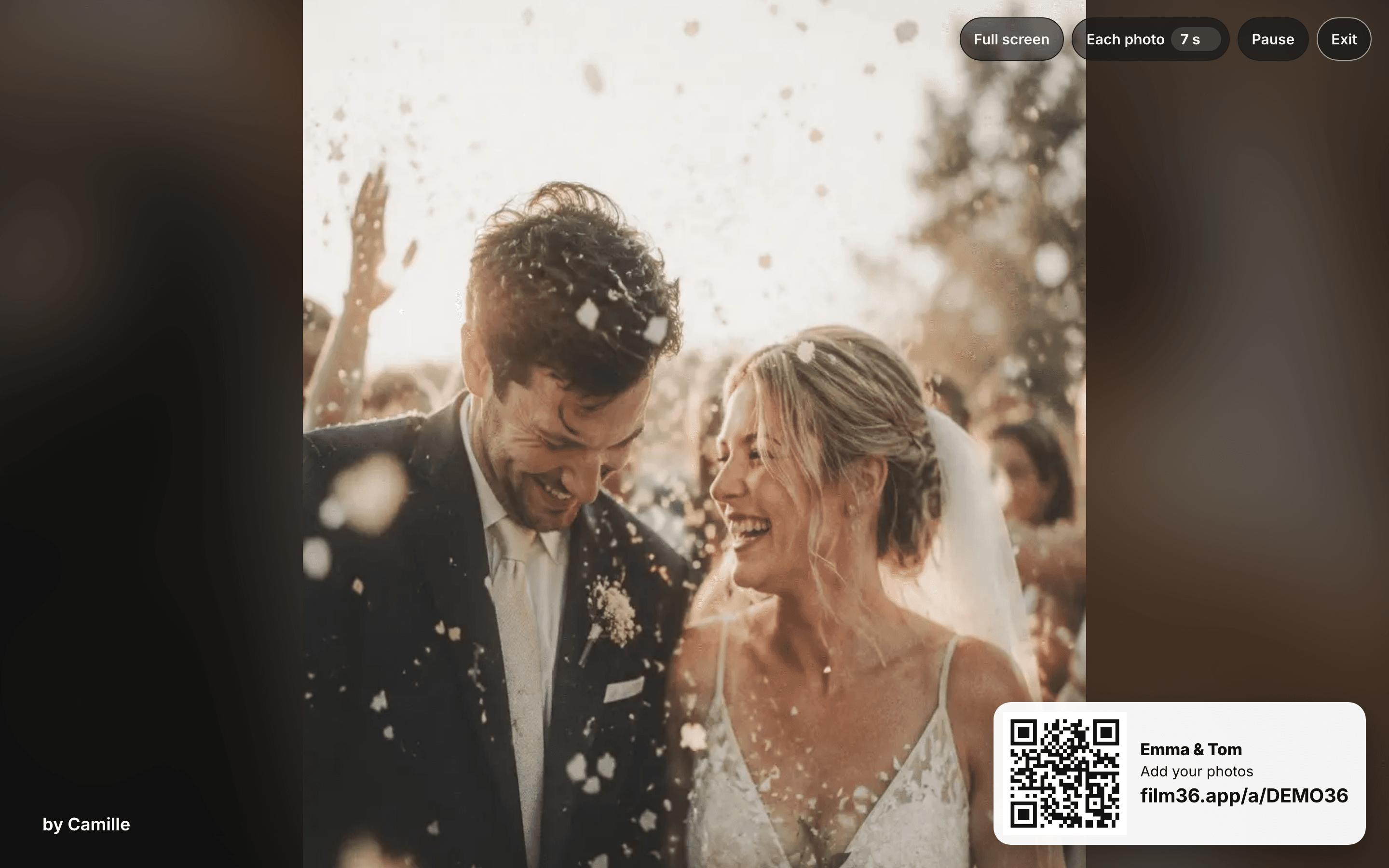
Plug a laptop into the TV or projector. Photos scroll by as they arrive, newest first, with the QR code in a corner. Seeing their own photo on the big screen makes people add more. You choose how long each photo stays, from 3 to 30 seconds.
Three things that make it get scanned
Say what it’s for (“Share your photos”), not just “Scan me”.
One call to action per sign.
Print a test first, and scan it from where a guest will actually stand.
app.film36.app
app.film36.app
A free QR code for wedding photos: what the free plans really cover
Free is real, but the limits differ a lot from one service to the next. Before you print anything, check three numbers.
1
How many photos before it stops?
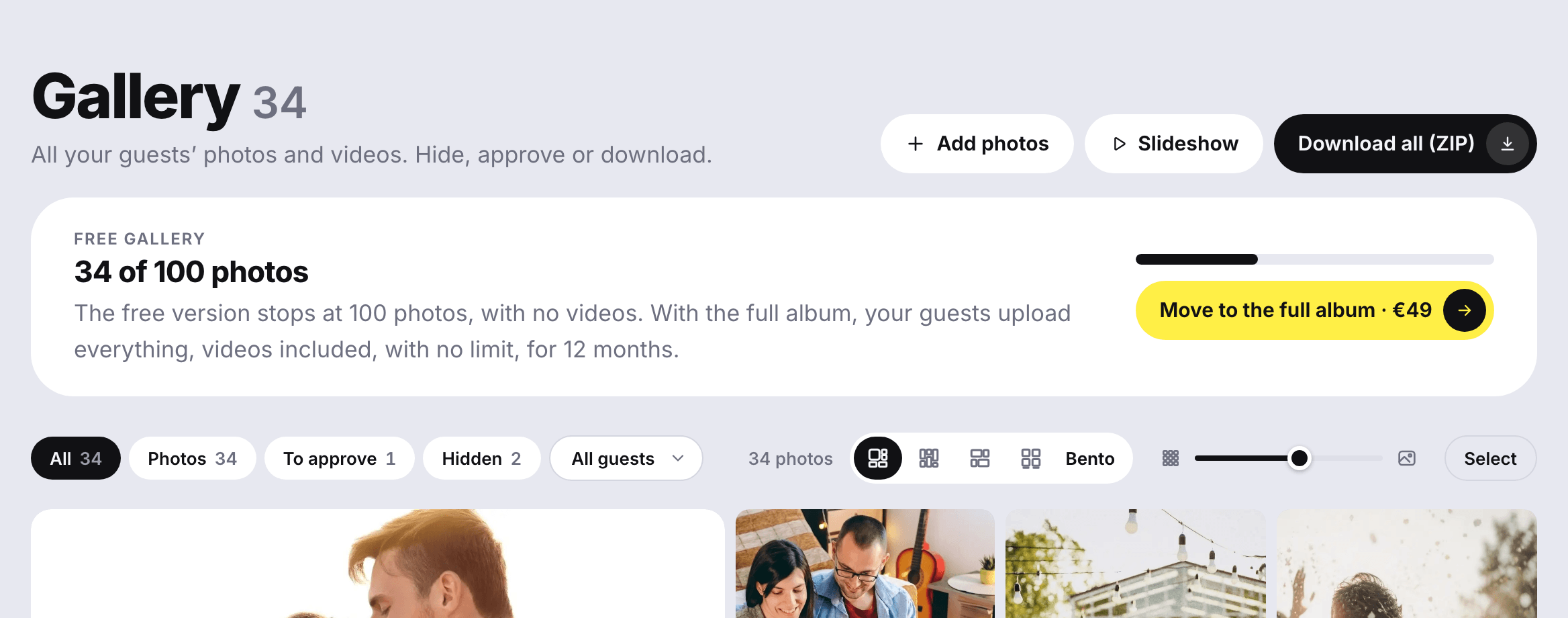
Several popular services cap their free plan at 50 uploads (checked on September 29, 2026). A wedding with 100 guests can pass that before dessert. Film 36 stops at 100 photos and tells you: “34 of 100 photos”, and the banner turns red when it’s full.
2
How long can guests upload?
Free plans often close after a few weeks, some sooner. The free Film 36 album stays open for 30 days after the wedding; the complete album for 12 months.
3
Are the photos kept at full size?
Make sure “free” doesn’t quietly mean “compressed”. Every Film 36 plan, free included, keeps the original files.
app.film36.app
For a small wedding, the free album may be all you need. When you get close to 100 photos, or want videos, one click moves you to the complete album.
You decide who sees what: privacy and moderation
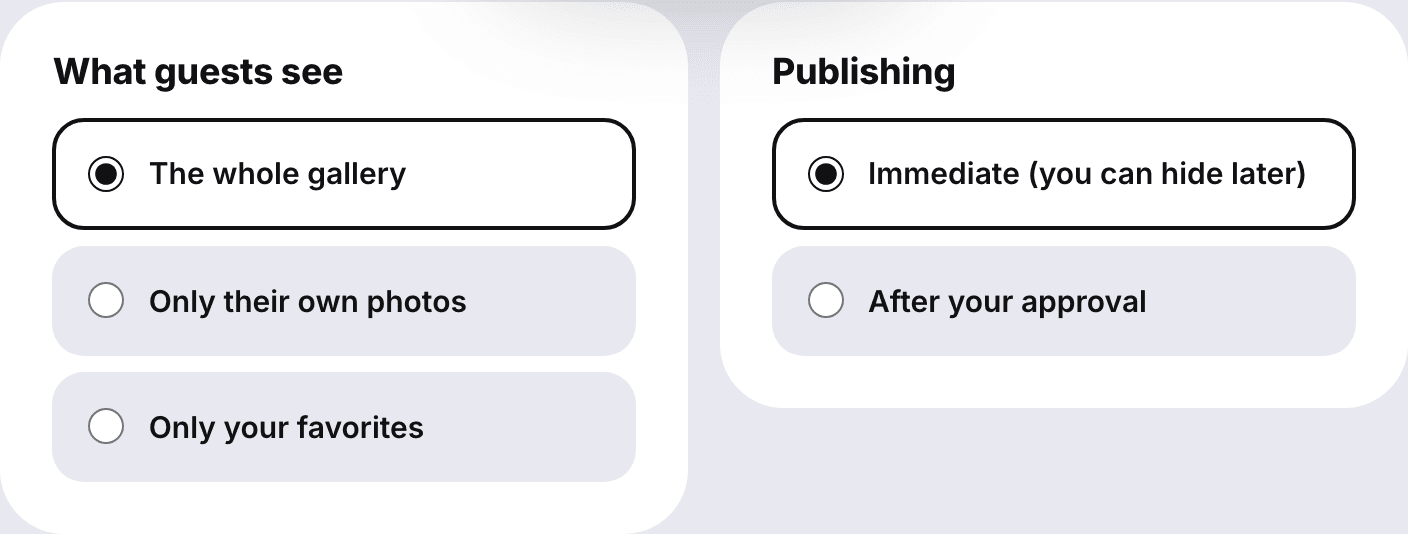
Live galleries show everything, right away. Here, you choose.
What guests see: the whole gallery, only their own photos, or only your favorites.
Publishing: immediate (you can hide a photo later), or after your approval, one photo at a time.
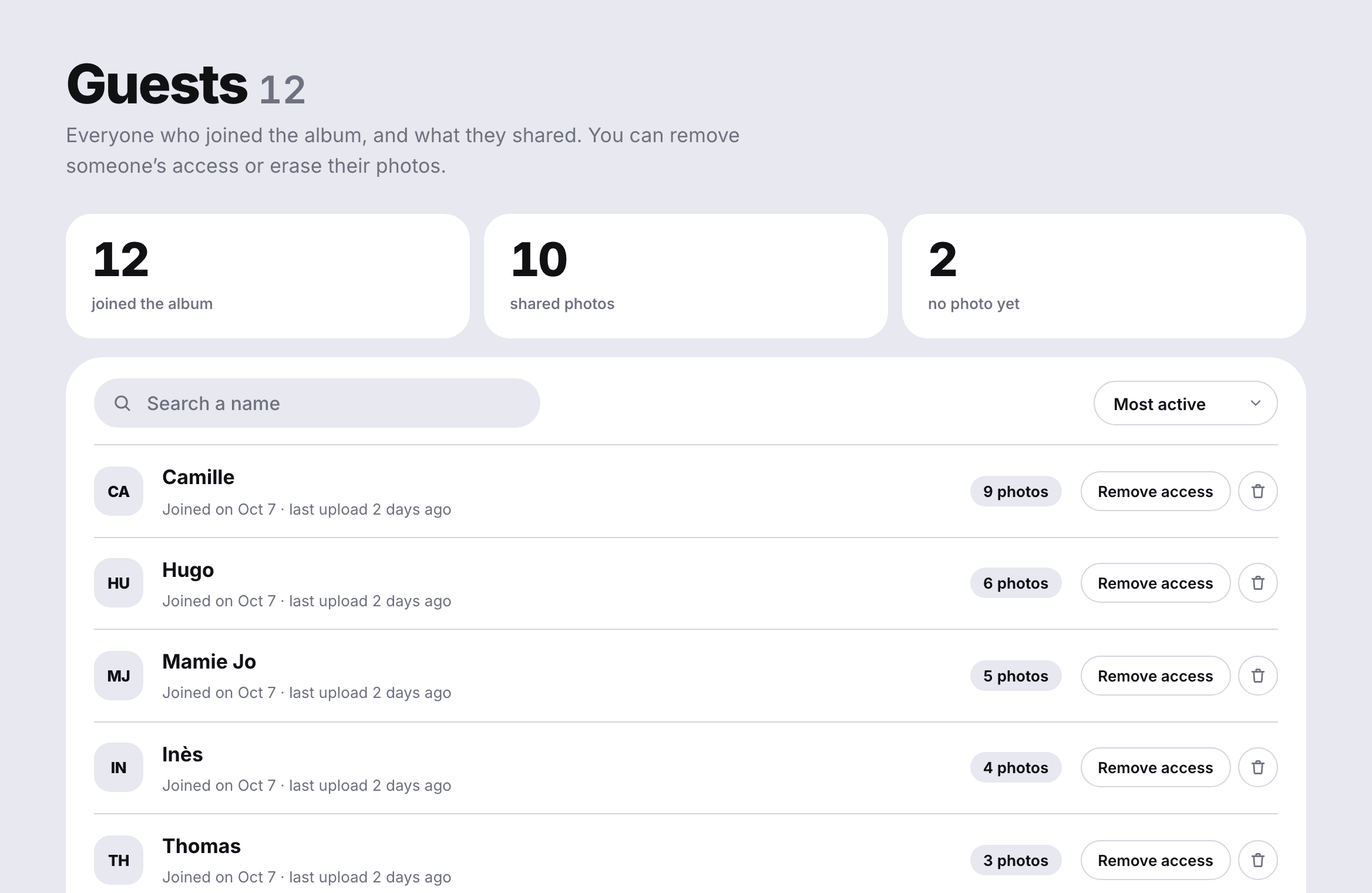
Hide or delete a photo in one click, or erase everything one guest sent.
When a guest reports a photo, it’s hidden right away until you decide.
An optional 4-digit access code on top of the link.
Photos are stored in the European Union, in Ireland: no ads, no resale, no AI training.
app.film36.appapp.film36.app
After the wedding: one gallery, every original
Everything lands in your space as it happens. The next morning, you have the album nobody could have made alone.
app.film36.app
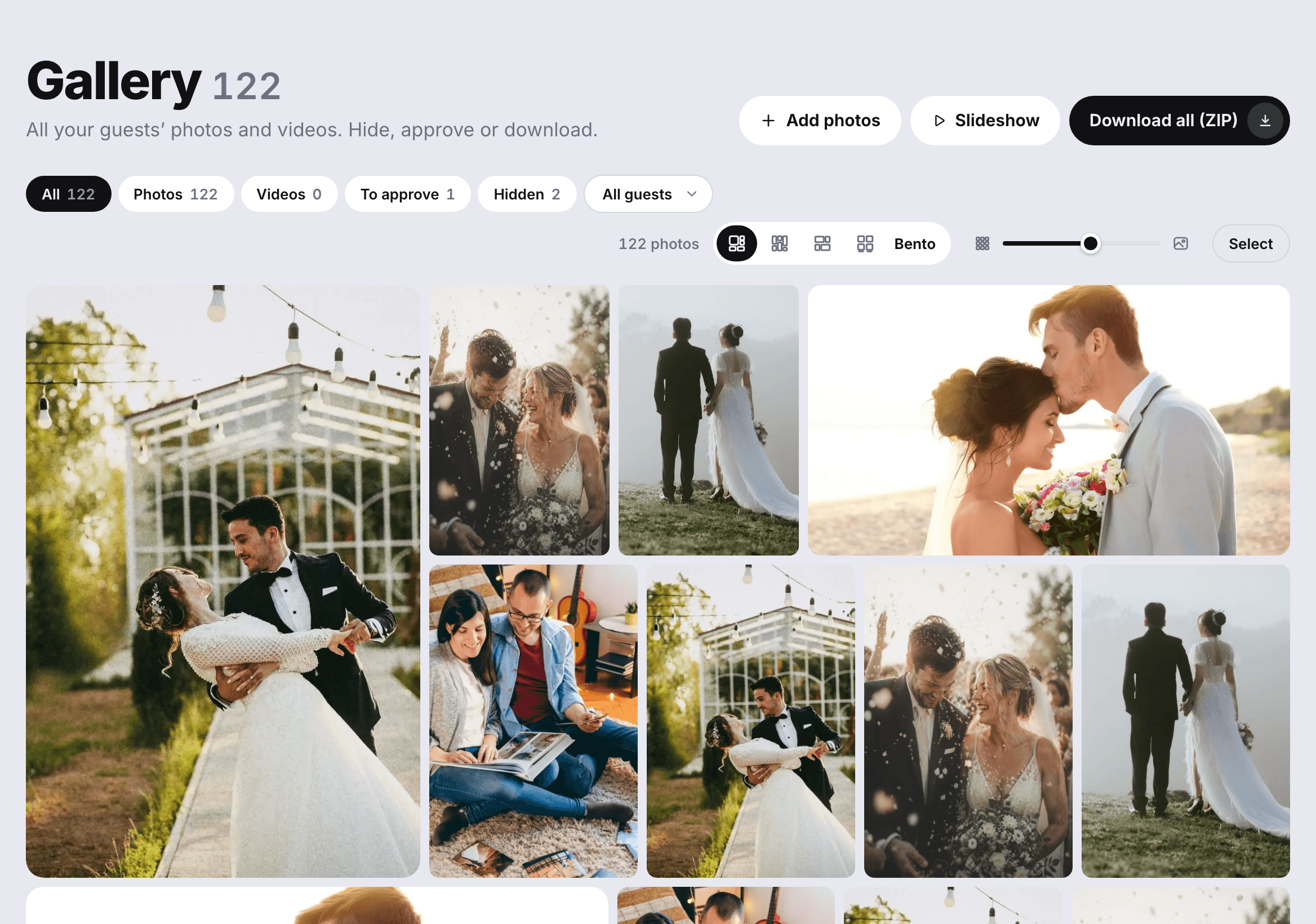
Four layouts, a zoom, your favorites
Bento, columns, rows or contact sheet. Heart the best ones and filter by guest, photos, videos or hidden.
Download everything, in original quality
All the photos and videos in one ZIP, or just a selection. Full-size files, ready for a printed album.
A daily email when new photos arrive
The weeks after the wedding, photos keep coming. If you like, one email a day lets you know, only when there’s something new.
12 months to collect everything
With the complete album, uploads stay open for a year. We email you 7 days and again 2 days before anything is erased, so nothing is lost.
Five album styles that match your wedding
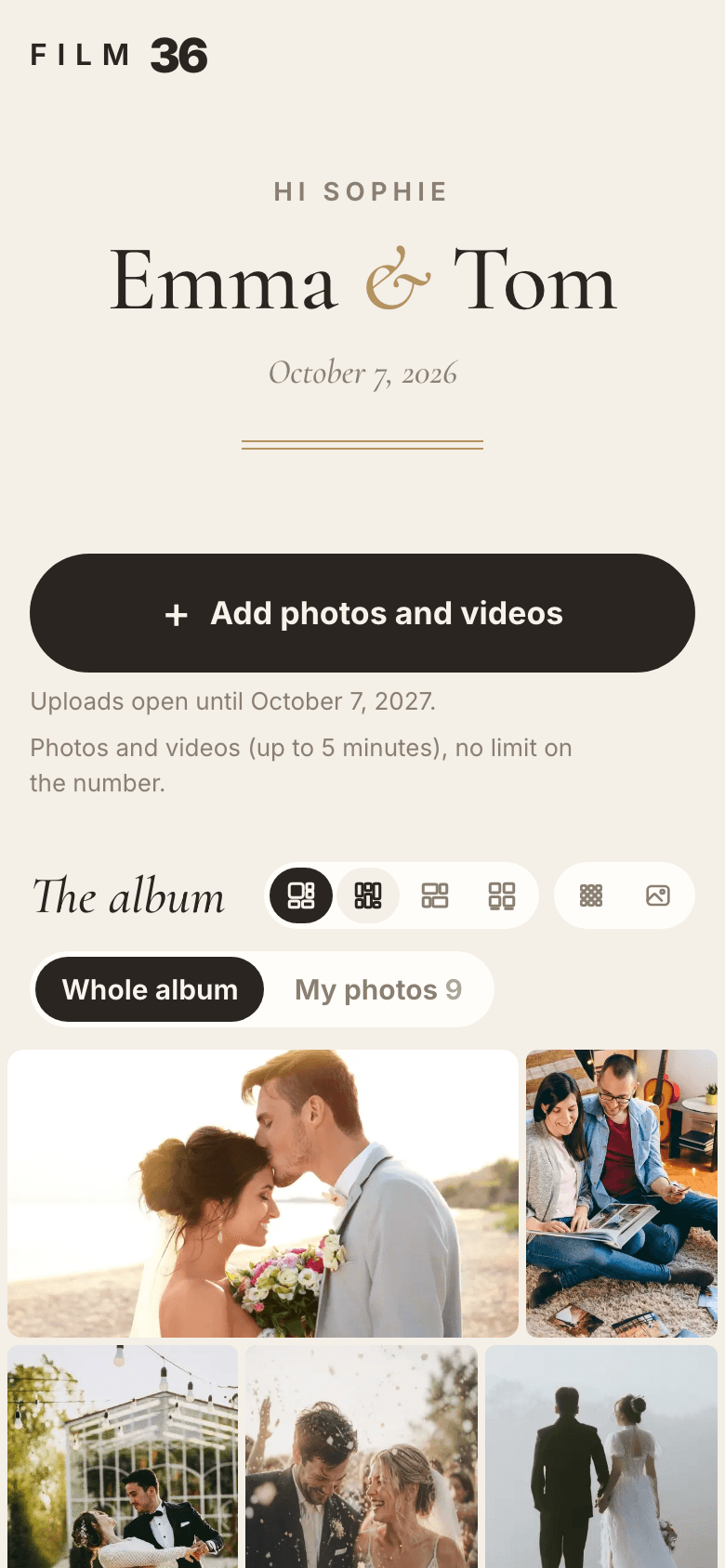
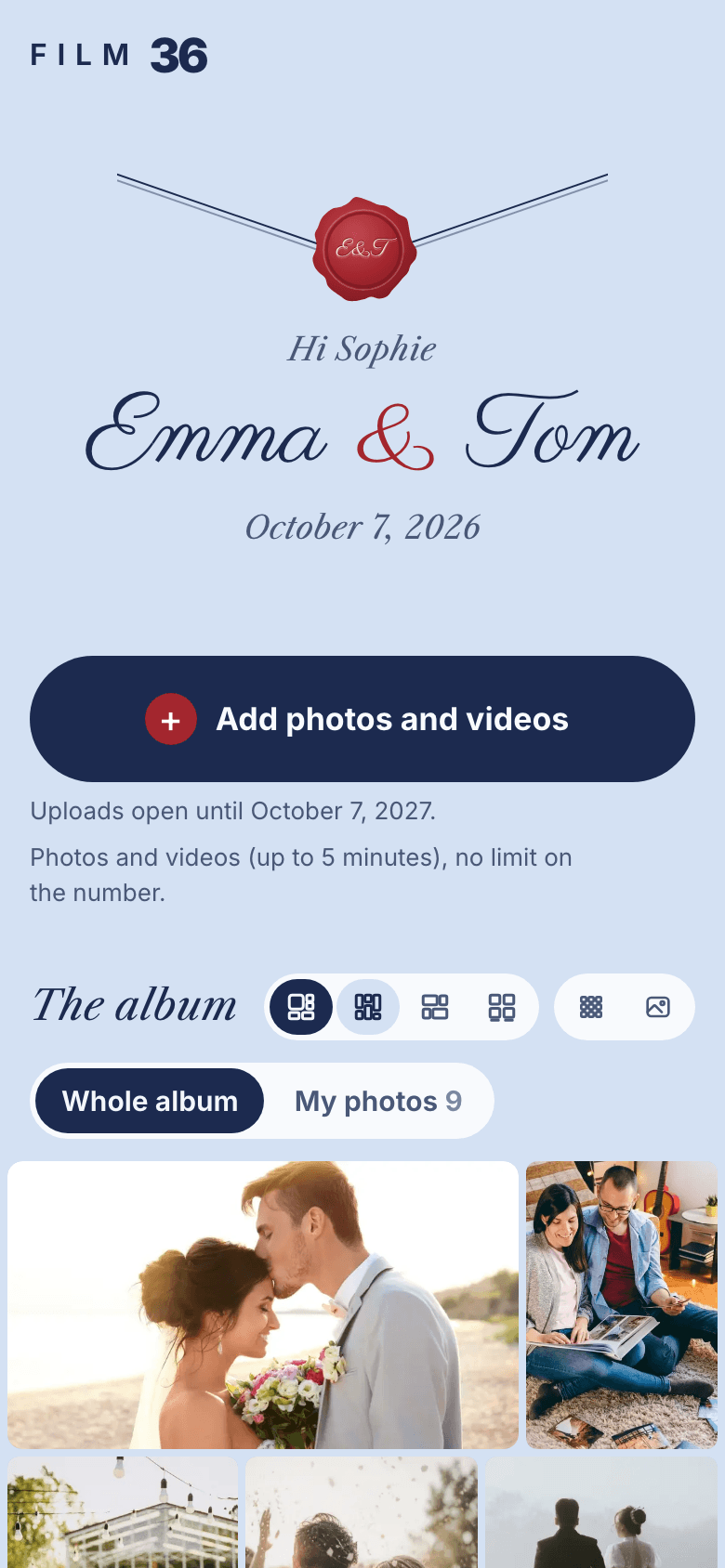
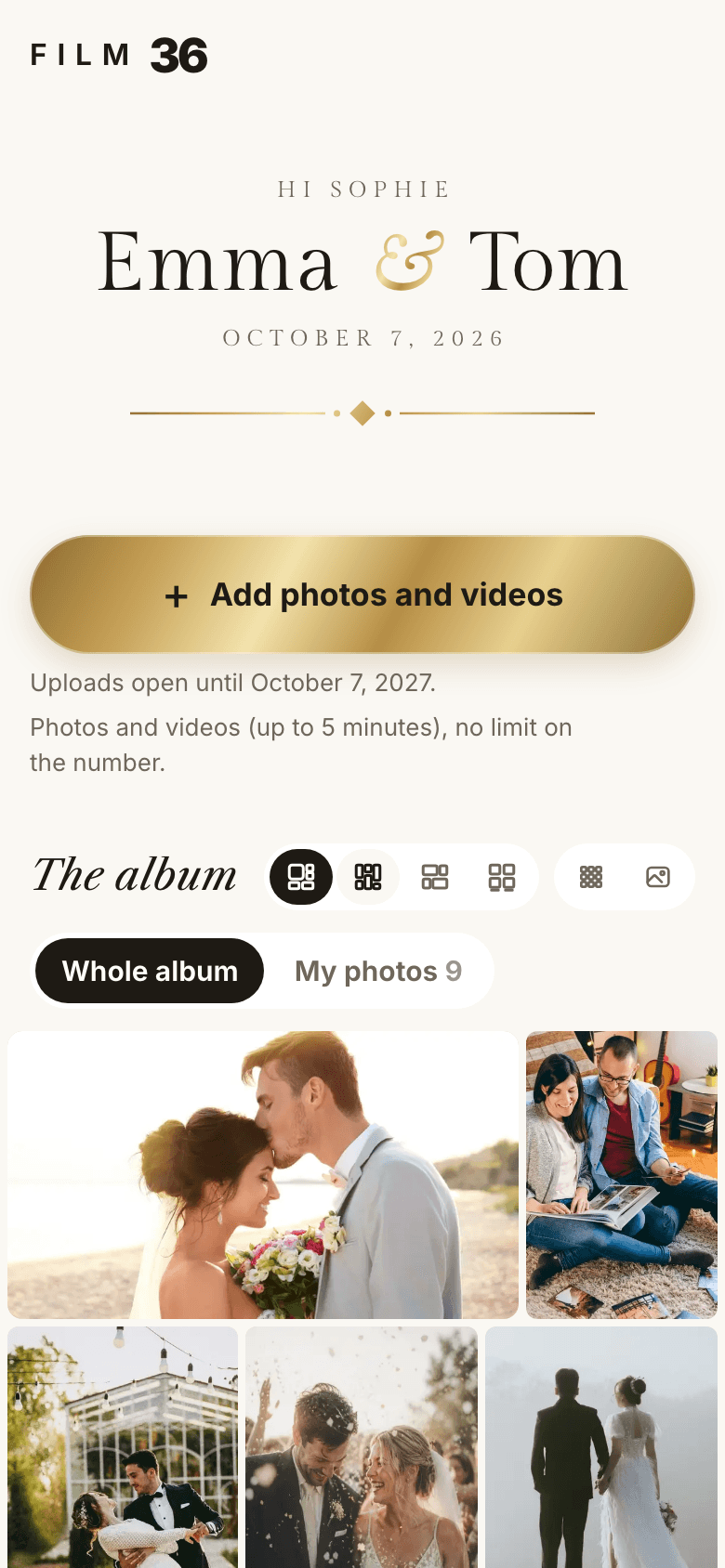
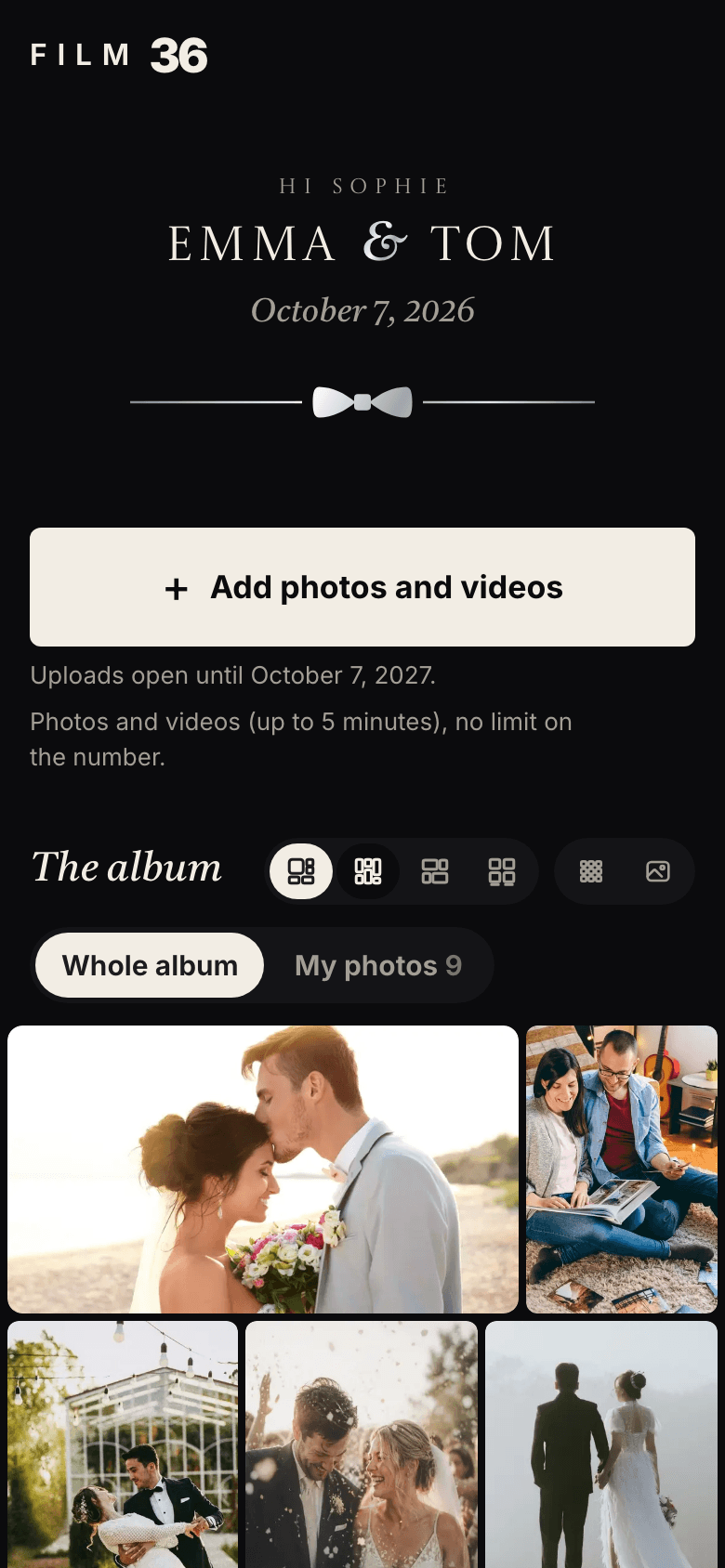
The style you pick dresses your guests’ page, the poster, the table cards and the slideshow. All five are included.
Film
Ivory
Love Letter
Gold Leaf
Black Tie
Film 36 vs the DIY route
You can build this yourself with Google Photos and a free QR code generator. Here is what changes.
You can build this yourself with Google Photos and a free QR code generator. Here is what changes.
Google Photos + a QR code generator
Group chat or texts
Film 36
Price
Free
Free
Free up to 100 photos, €49 unlimited
No app for guests
Yes, in the browser
Yes
Yes
No account for guests
No: a Google account
Yes
Yes, a first name is enough
Photo quality
Depends on each guest’s settings
Often shrunk
Original files
Videos
Yes
Often shrunk or refused
Yes, up to 5 minutes each
Open period
As long as the account exists
Not applicable
12 months
Moderation
No
No
Yes: approval, hiding, reports
Live slideshow
No
No
Yes
Download everything
Yes, through Google Takeout
Photo by photo
Yes, in one ZIP
For a small wedding where everyone already has a Google account, a shared album can be enough. Past about fifty guests, or with videos, the difference shows.
Compared on September 29, 2026 from each service’s own pages and public help articles.
How much does the Film 36 photo album cost?
Free to try, €49 for the big day. Paid once, no subscription.
Free album
€0
to try it, or for a small wedding
The same album, the same QR code, capped at 100 photos.
Included : Uploads open after the wedding12 months
Included : QR code, poster and table cards
Included : Live slideshow on the big screen
Included : Download everything as a ZIP
Included : Five album styles
Included : Audio guest book (voice messages)
You can create your album, try it as a guest, and pay later. One-time payment, VAT included. Want to hear their voices too? The audio guest book.
Your questions before you start
Do guests need an app or an account?
No. The QR code opens a page in the phone’s browser. No app, no account, no email address: a first name is enough.
Does it work on iPhone and Android?
Yes. The camera app on any recent phone reads QR codes, and the page works in Safari, Chrome, Samsung Internet and Firefox.
Is a wedding QR code better than a hashtag?
For collecting photos, yes. A hashtag depends on guests posting publicly, from the right account, with the right tag. A QR code sends the original file straight to one private gallery, whether or not anyone posts anything.
How many photos can we receive?
With the complete album there is no limit on the number, up to 50 GB in total, which is several thousand photos. Each file can be up to 1 GB and each video up to 5 minutes. The free album holds 100 photos and no videos.
Are the photos compressed?
No. Each photo and video is stored as the phone saved it. Only the gallery thumbnails are smaller, so they load fast. Downloading gives you the original.
Can guests upload after the wedding?
Yes. Uploads stay open for 12 months with the complete album (30 days on the free one), through the same QR code or link, so guests who forgot can still send theirs.
How long are the photos kept, and can we delete them?
With the complete album, for 12 months after the wedding. We email you 7 days and 2 days before they are erased, so you can download everything. You can delete photos, remove guests, or delete your whole account whenever you like.
Where are the photos stored?
In the European Union, in Ireland, with our hosting provider Supabase. They are used for your album only: no ads, no resale, no AI training.
Can we just use Google Photos and a QR code generator?
Yes, it works. The trade-offs are the Google account guests often need to add photos, settings that can shrink uploads, and no slideshow or moderation. If those don’t matter for your wedding, it’s a fine free option.
Do we need to print anything?
A QR code on a sign or table cards is what gets scanned. Film 36 gives you an A4 poster and table cards as PDFs, in your album’s style, ready to print at home or at a print shop.
The album nobody could make alone
Create your album in two minutes, print the poster, and try it as a guest before you pay.