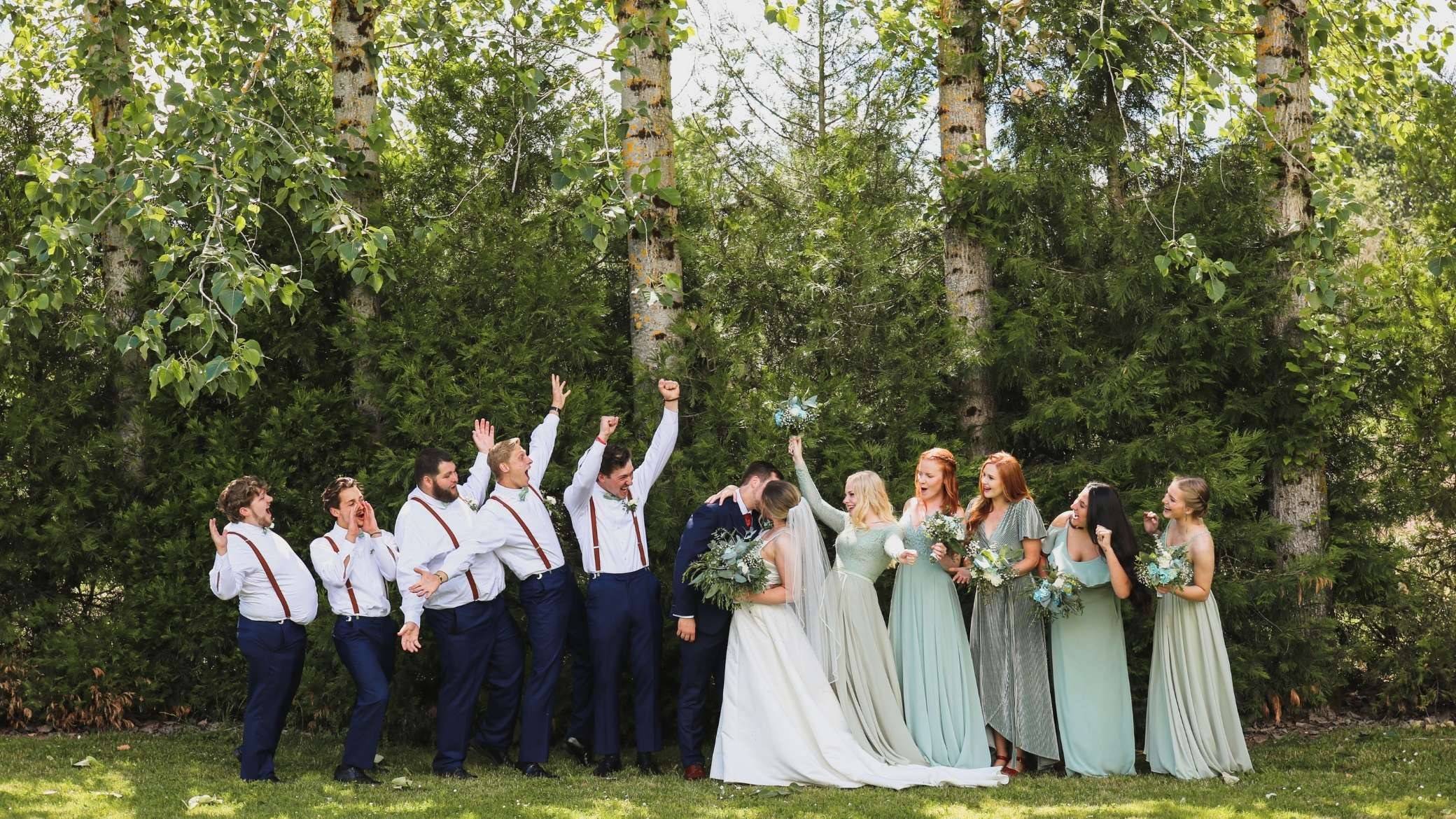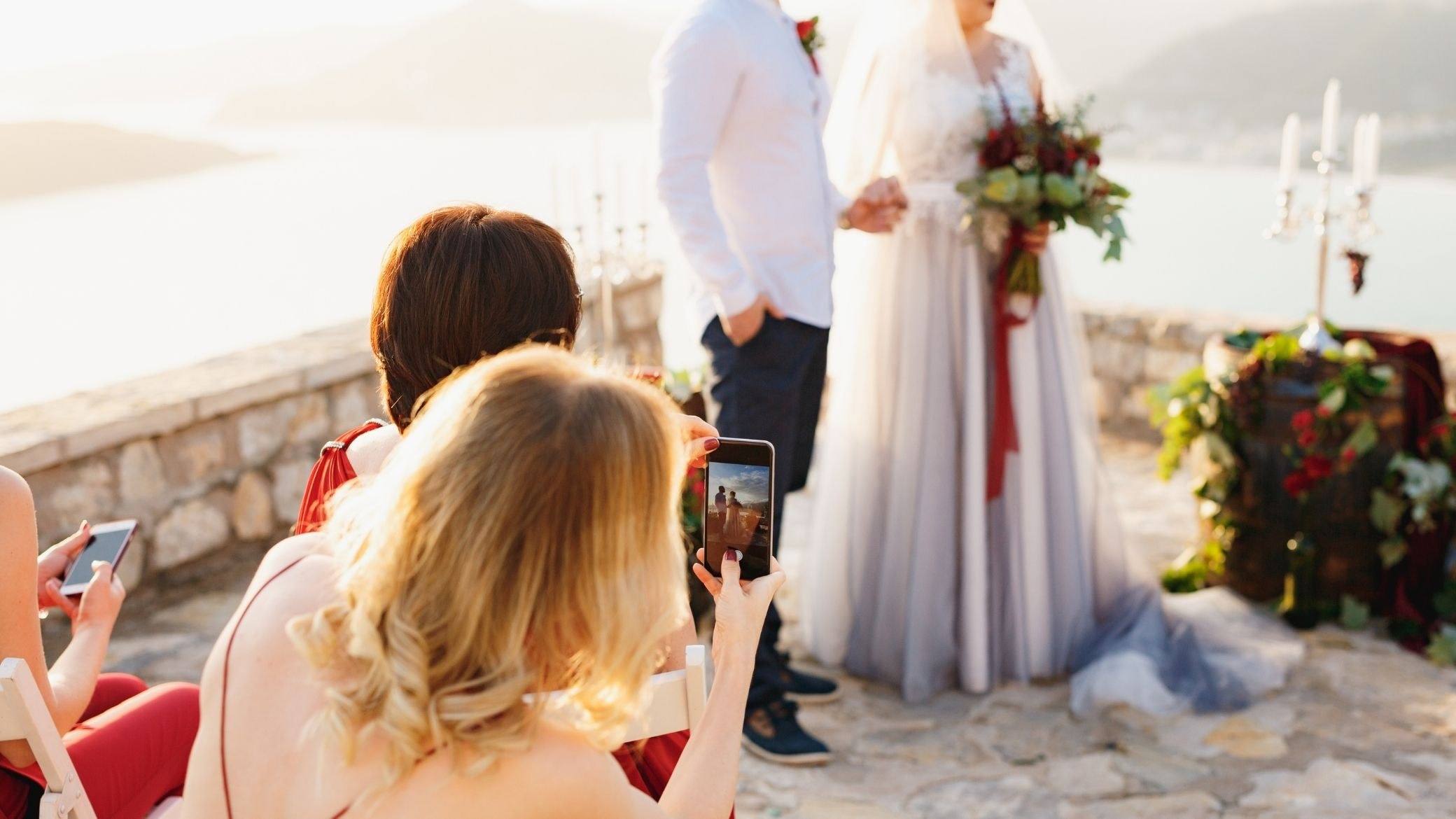
The best candid photos from your wedding are probably not with your photographer. They are on your guests’ phones: a cousin caught your grandmother getting up to dance, a college friend filmed the whole toast, and somebody has the perfect shot of the two of you under the string lights. Getting them to you is the hard part.
Below are seven ways to collect wedding photos from guests, with what each one costs in quality and effort, a plan for before, during and after the day, and wording you can copy. We make one of the options, and it gets the same honest verdict as the rest.
Why guests don’t send photos (and why no one can promise a number)
Everyone means to send them. Almost nobody does. The next day people travel home and catch up on sleep, nobody wants to decide which photos are good enough, and guests don’t share the same phones, accounts or storage. So every method below works on the same principle: ask during the wedding, with one link, in one place.
How many photos will you get? Nobody has a neutral figure. Every number we found comes from a company selling a tool, and they disagree wildly. Two anecdotes in sponsored posts on Boho Weddings (2025) give about 340 photos from 75 guests in one case and about 40 from 90 guests, after three months of chasing, in the other. Count the people who upload, not the photos: a few enthusiastic guests can make a whole album.
Seven ways to collect wedding photos from guests
Each verdict ends with who it suits best.
1. A group text
Easy, because the thread already exists. The catch is quality and clutter. iPhone to iPhone usually holds up, but one Android phone can push a mixed group onto MMS or RCS, which squeezes photos (a vendor, GuestCam, explains this, August 2026). Photos get buried, and everyone sees everyone’s number. Best for: a small wedding, or a thread of your ten closest people.
2. An iCloud Shared Album
Free, and a good fit when nearly everyone has an iPhone. The rules changed this fall:
- Albums created in iOS 26 or earlier: up to 100 participants and 5,000 items, photos reduced to 2,048 pixels on the long edge, video at 720p, none of it counted against iCloud storage.
- Albums created in iOS 27 or later: originals at full resolution and no item cap, but everything in the album, guests’ uploads included, counts against the owner’s iCloud storage. That’s you. (Apple Support, published September 14, 2026.)
- Android guests: MacRumors reported on August 20, 2026, while iOS 27 was in beta, that invitees can join on iCloud.com without an Apple Account. Apple’s own page doesn’t say so, so test it from an Android phone before relying on it.
Best for: a guest list that is mostly iPhones.
3. A Google Photos shared album
Free, and many families already live in it. Google’s help page says that anyone with the link can view and add to the album, but several guides say guests must sign in with a Google account to add photos. We haven’t tested it, so you should: open the link on an iPhone and an Android phone that aren’t signed in to Google. Best for: friends and relatives who already use Google Photos.
4. A Dropbox or Google Drive folder
A shared folder keeps files exactly as uploaded, which is its strength. On a phone, though, it feels like file work, and free storage fills fast once videos arrive. Best for: a tech-savvy crowd, or as the backup copy of whatever else you use.
5. A wedding hashtag
Free and public, and mostly a supplement. Posts from private accounts won’t appear under your tag, and what you save from social media is a compressed copy. Best for: an extra layer on top of another method, never the only one.
6. A guest album you share with a link or code
This is the category vendors dominate. Guests scan a code or open a link, pick photos, and they land in a gallery you control, usually with no account. Services differ on three numbers: the photo cap, how long uploads stay open, and whether originals are kept. Check them before you print anything. Free plans are capped, and the one-time paid plans we saw on vendor pages in October 2026 ran roughly $40 to $100.
Uploading is still voluntary, which is why the announcement matters more than the tool. We build an album built for guest uploads, so weigh our opinion accordingly. Best for: larger guest lists and mixed iPhone and Android crowds.
7. Disposable cameras, film or digital
Film cameras gather photos by design because they stay at the venue: a weak flash, few shots per table, weeks of developing. We covered the details in an honest look at wedding disposable cameras.
The digital version is now a category of its own. Zola’s digital disposable camera is free for up to five guests and opens in an App Clip on iPhone or in the browser on Android (zola.com, October 2026). Ours is Film 36, an iPhone app: each guest gets 36 shots with no preview, and everything develops the next morning at 10 AM. It is free for up to ten guests, then €19.99 once (shown in your currency at checkout). Guests use the app or a browser.
Its limits are real. You need an iPhone to host, photos are kept 7 days on the free version and 90 days on the paid one, so you must download them, and there is no live wall during the party. Best for: couples who want the disposable-camera feel and a reveal, not photos the second they’re taken.
Side by side: effort, catch and cost
| Method | Guests need | Main catch | Cost | Best for |
|---|---|---|---|---|
| Group text | Nothing | Compression, clutter | Free | Small weddings |
| iCloud Shared Album | iPhone (Android on web: iOS 27 beta report) | Full quality only for albums made in iOS 27+, which use your iCloud storage | Free | iPhone-heavy lists |
| Google Photos album | A link (some guides say a Google account) | Account friction, not tested | Free | Families on Google |
| Dropbox or Drive | A link | Clunky on phones, free space | Free tier | Tech-savvy crowds |
| Hashtag | Public, compressed, incomplete | Free | An extra layer | |
| Guest album, link or code | A link or code, usually no account | Caps on photos and days | Free tier, then about $40 to $100 | 50+ guests |
| Digital disposable camera | App or browser | No instant photos, short storage | Free tier, then paid | The film-camera feel |
A timeline: before, during and after the wedding
Before (a few weeks out)
- Pick one method and use it everywhere. Two albums are two places photos won’t be.
- Test it on an iPhone and an Android phone, including one that isn’t signed in to anything.
- Put one line on your invitation or wedding website.
- Print the code or link large enough to scan at arm’s length. Four inches (10 cm) square is a common rule of thumb.
During
- Put it where guests pause: welcome sign, table cards, bar, program, guest book.
- Have the MC or DJ announce it after dinner, and once more when the dance floor opens.
- Ask a relative to help older guests.
- Suggest uploading at the table or the next morning: large videos on venue Wi-Fi are where uploads fail. A few photo challenges give guests a reason to take photos.
After
- The next morning, send a thank-you with the link and a deadline. Seven to fourteen days is typical.
- Download everything, original files included, and back it up in two places.
- Sort later, not now.
Words you can copy
Invitation or website: We’d love to see our day through your eyes. Add your photos at [link], during the party or in the days after.
Table card: Your photos of tonight are our favorite gift. Scan to add them now, or tomorrow.
MC script: One quick thing before dessert. Your phones are full of photos we haven’t seen. There’s a card on your table: add a few now, before the dancing starts. [Names] will be so happy.
Thank-you text: Thank you for celebrating with us! If you took any photos or videos (blurry ones count), we’d love them: [link]. Open until [date].
Your photographer’s photos, and the unplugged ceremony
Your photographer’s gallery is a collection point too, so ask for the delivery date and the gallery’s expiry in writing. Download full-resolution files as soon as it opens, keep them apart from your guests’ folder, and ask before reposting their images.
If you asked for an unplugged ceremony, tell guests when they will see photos, with a line on your program and the link. It’s only fair.
Already married? How to get the photos now
It isn’t too late. Most guests still have their photos; they’ve just never been asked clearly.
- Choose one link. A shared album or folder is fine. Use whichever your guests already know.
- Send one message with a deadline about ten days out: “Hi [name]! Thank you again for celebrating with us. If you took any photos or videos (blurry ones count), we’d love to have them: [link]. We’re collecting until [date].”
- Nudge once, about five days later, on a different channel than the first message.
- Ask a few people personally. Every wedding has the five who photographed everything.
- Take them any way they come. A text with ten photos beats a perfect system nobody uses.
Questions couples ask
Is there a free way to collect wedding photos from guests?
Yes: group texts, iCloud and Google Photos albums, shared folders and hashtags are free. Many guest albums and digital cameras have free plans with caps on photos, days or guests, so read the three numbers before you print.
Do guests need an app or an account?
Not for a group text. For shared albums it depends (see the table). Many guest albums and digital cameras open in the browser. Test with a phone that isn’t yours.
Why do some photos arrive blurry or in a strange format?
Texting compresses photos. And iPhones shoot HEIC by default, which Windows and some Android devices can’t always open. On an iPhone, Settings > Camera > Formats > Most Compatible switches new photos to JPEG (Apple Support), but not the ones already taken. Live Photos may arrive as stills or short clips, depending on the tool. Check how your tool stores originals, and expect to convert a handful.
How long can guests keep uploading?
As long as your tool allows. Set a deadline of seven to fourteen days and send one reminder.
What if some guests don’t use smartphones?
Ask a younger relative to help their table, and lean on your photographer for those moments.
The short version
- Small wedding, mostly iPhones: an iCloud Shared Album or a group text. Test with an Android phone.
- Mixed crowd, 50 guests or more: a guest album you share with a link or code.
- You want the disposable-camera feel: a digital one, knowing the limits above.
- Whatever you pick: one method, announced twice, with a deadline.